How To Add Captions and Subtitles To Twitter (X) Videos
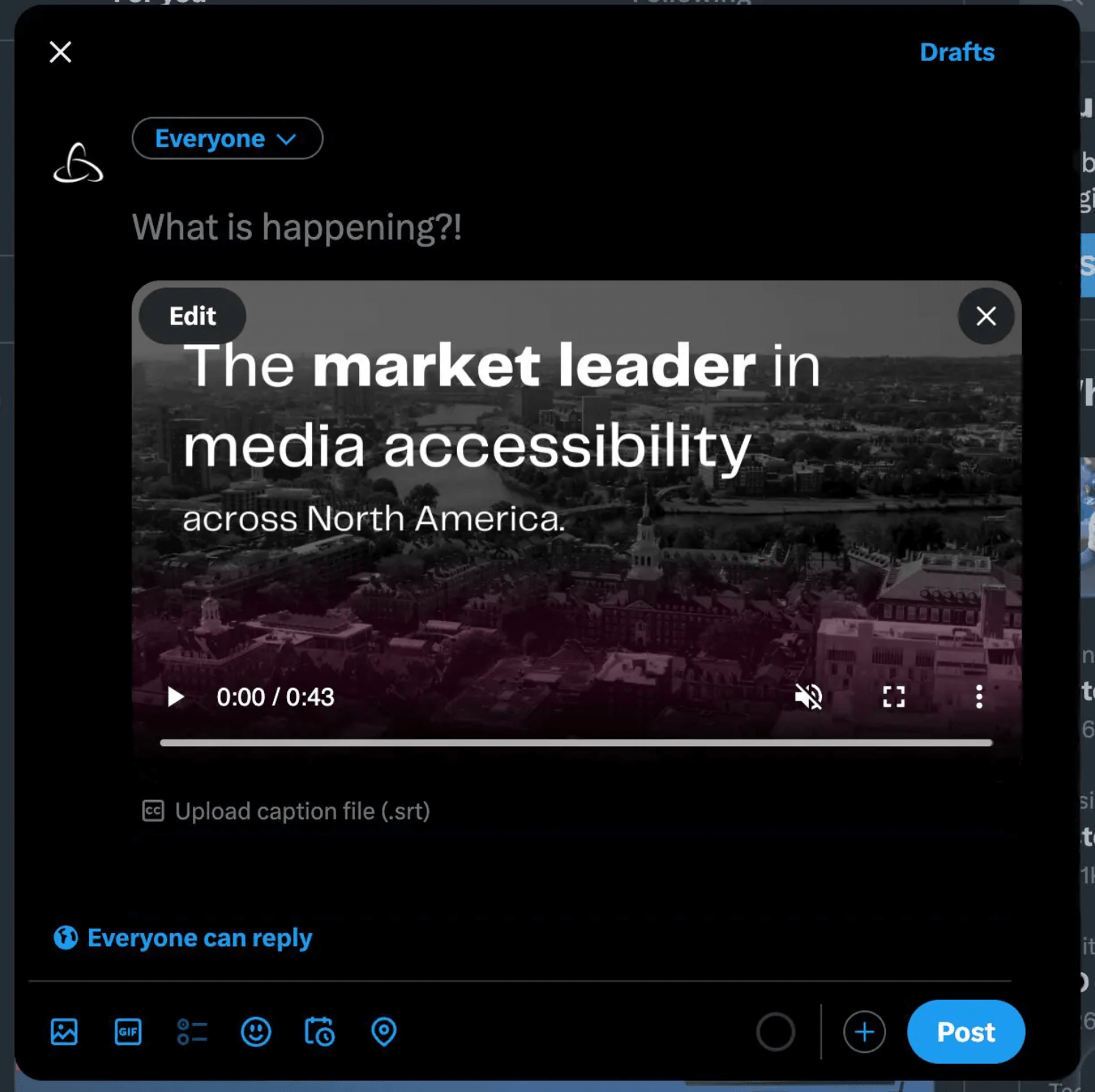
To add Twitter (X) video subtitles and captions, compose a tweet with video content attached. Select the option to Upload caption file (.srt), and click Upload captions again in the pop up.
Choose the correct SRT caption file from your computer, and add it to your tweet. The language of your caption or subtitle file will appear in place of the upload command. Now you’re ready to post accessible video on Twitter (X)!
Here’s what it looks like to upload captions on Twitter (X):